Introduction to Gmail Basics
22 April, 2026 / Tao Morales
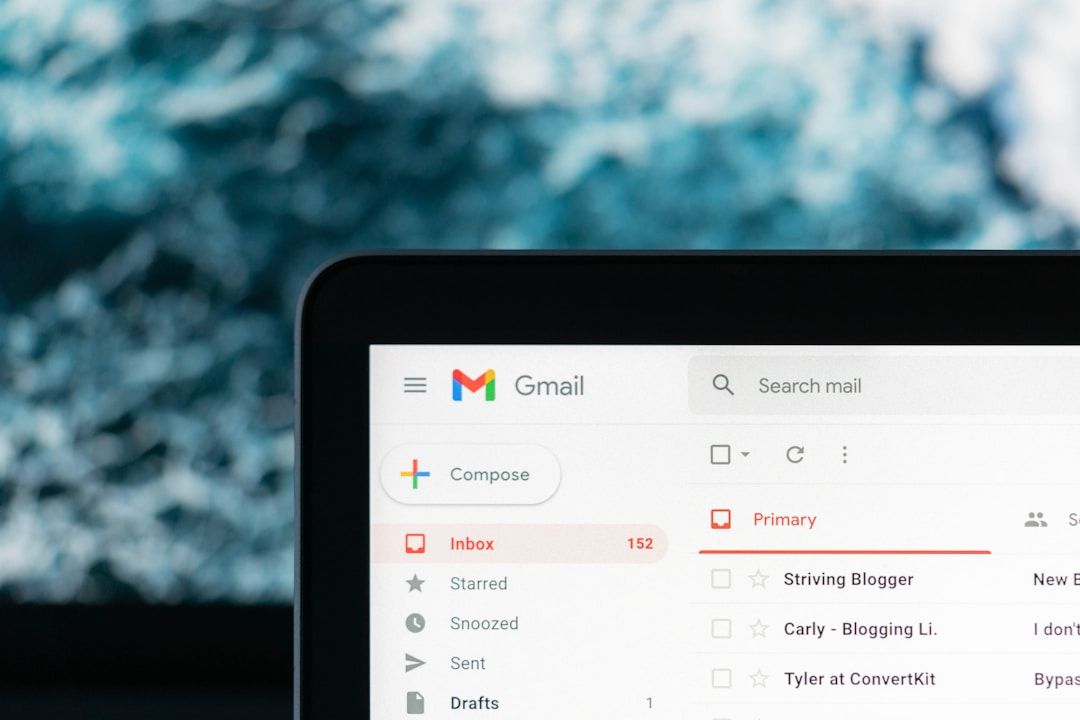
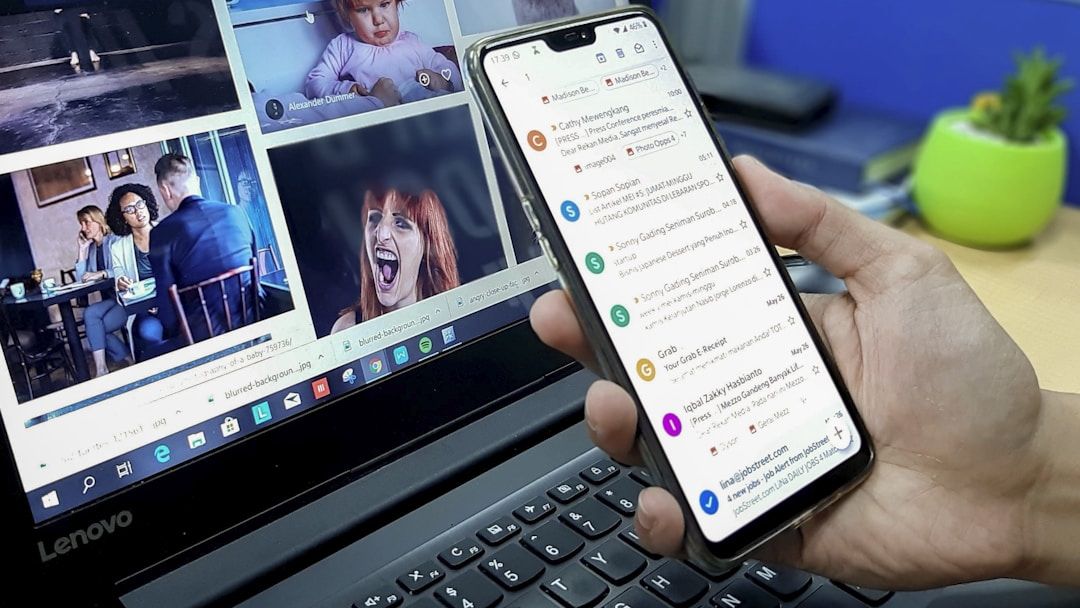
Gmail is a free email service created by Google that allows users to send, receive, and organize electronic messages over the internet. It can be accessed from a computer, tablet, or smartphone, making it easy to stay connected wherever you are. Gmail is commonly used for personal communication, school messaging, workplace messages, and managing online accounts with Google.
Because email plays such an important role in everyday life, understanding how to use Gmail effectively is an essential skill. From confirming appointments to receiving important updates, email often serves as the main way organizations and individuals communicate.
One of Gmail’s most useful features is its ability to organize messages automatically. Emails can be sorted into categories such as Primary, Social, and Promotions, making it easier to focus on what matters most. Users can also create labels, move messages into folders, archive emails, or search their inbox using keywords to quickly find specific conversations. These tools help prevent inbox clutter and save time.
Using Gmail effectively isn’t just about sending messages, it’s also about staying safe and keeping your inbox organized. Because email is often used for important communication, it’s essential to understand how to recognize suspicious messages and protect your personal information.
Gmail also includes features designed for convenience and productivity. Users can compose and send emails, reply to messages, forward information, and attach files such as documents or photos. If you frequently use other Google services, Gmail integrates Google Drive and Google Calendar, and more, allowing users to share files, schedule meetings, and manage events directly from their email.
Gmail includes built-in security features that help protect users from spam, phishing attempts, and harmful attachments. Many suspicious emails are automatically filtered into a spam folder, and Gmail will often display warning messages if a message appears unsafe. Still, users should be cautious about clicking unknown links, downloading unexpected attachments, or sharing personal information through email. Learning how to identify legitimate messages from scams is an important part of using Gmail confidently.
Organization is equally important. As inboxes grow, it can become difficult to find important messages quickly. Gmail offers several tools to help manage this, including labels, folders, archiving, and the search bar. Users can organize emails by topic, sender, or importance, making it easier to locate confirmations, receipts, or conversations when needed. Features like starring messages and creating filters can also help prioritize communication and reduce clutter.
Thus, learning how to use Gmail effectively helps build confidence in managing communication, staying organized day-to-day, and navigating today’s confusing digital world. If you find yourself curious to learn to more about Gmail, enroll into our FREE course today by clicking here! We’re passionate about making digital skills accessible to everyone. By providing free, user-friendly courses, we hope to empower individuals and build stronger, more connected communities. Whether you’re a student, a professional, or simply someone looking to learn something new, our website has something for you.
Come visit us today and start your journey towards digital confidence. Together, we can delete the digital divide, one learner at a time. We can’t wait to help you get started!