How to Use LA County E-Books and Resources
How to Use LA County E-Books and Resources
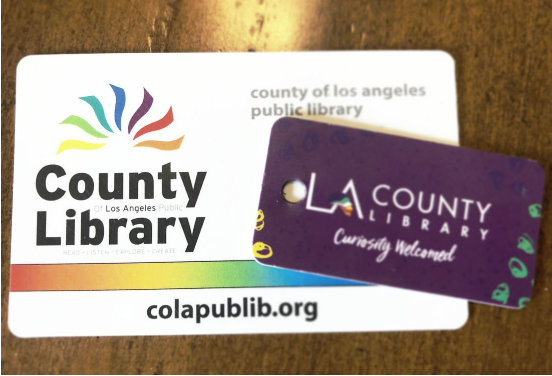
The LA County Library offers a wealth of free online resources that you can access from anywhere with your library card. With just a computer, tablet, or smartphone and your LA County Library card and PIN, you can borrow e-books, audiobooks, magazines, movies, music, and even explore learning tools for all ages. These digital resources are available 24/7, so you can enjoy them whenever it’s convenient for you.
Getting Started
The LA County Library offers a wealth of free online resources that you can access from anywhere with your library card. With just a computer, tablet, or smartphone and your LA County Library card and PIN, you can borrow e-books, audiobooks, magazines, movies, music, and even explore learning tools for all ages. These digital resources are available 24/7, so you can enjoy them whenever it’s convenient for you.
Borrowing E-Books and Audiobooks
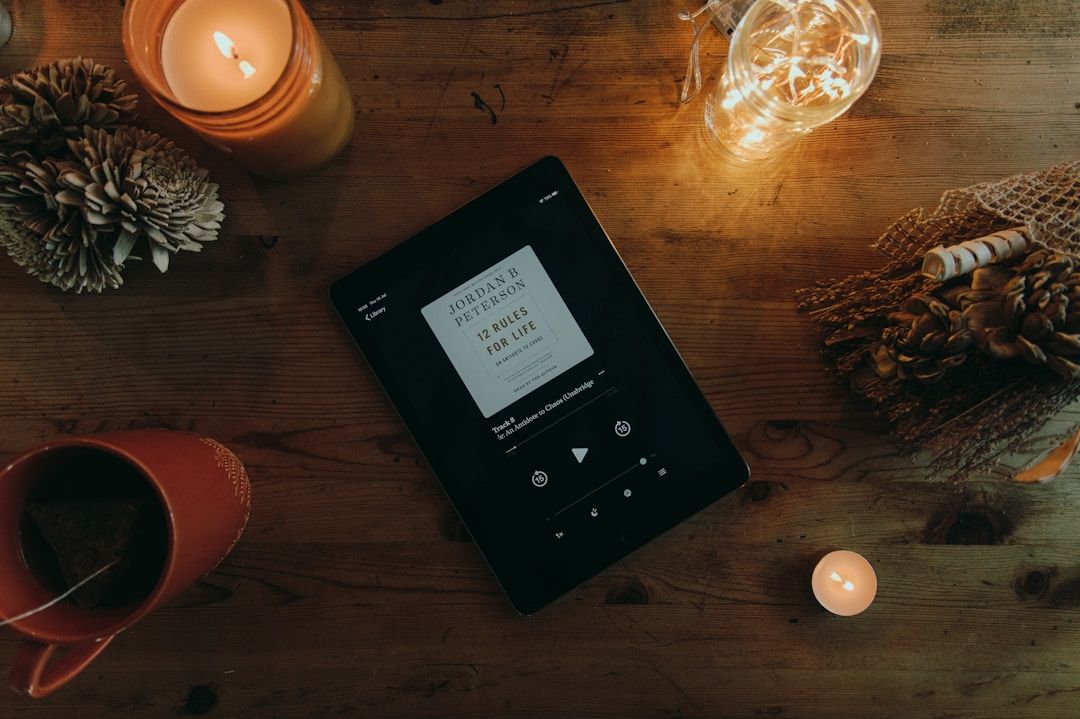
The LA County Library supports multiple digital platforms for borrowing e-books and audiobooks:
1. Libby: A popular app for browsing and borrowing thousands of e-books and audiobooks. You can read or listen on your mobile device, tablet, computer, or even send books to a Kindle device. Checkouts automatically expire at the end of the lending period — no returns necessary.
2. Hoopla: Another digital platform that offers e-books, audiobooks, comics, movies, music, and more. LA County Library cardholders can borrow a limited number of items each month.
3. BiblioBoard: Provides access to self-published and indie e-books with no wait times or holds. This platform delivers content that is always available.
Downloading and Using Libby
One of the most popular ways to borrow e-books and audiobooks from the LA County Library is through Libby, a free app created by OverDrive. Libby allows library card holders to browse, borrow, and read digital books directly from their phone, tablet, or computer.
Step 1: Accessing the Libby App
Libby is available for free on: The Apple App Store
Step 2: Add Your LA County Library Card
When opening Libby for the first time:
1. Select “Yes” when asked if you have a library card.
2. Search for LA County Library in the library search bar.
3. Enter your library card number and PIN.
Step 3: Browse and Borrow Titles
You can search for specific books by title or author, or browse categories like fiction, non-fiction, audiobooks, and new releases.
When you find a book you’d like, tap Borrow to check it out instantly (if available). If the title is currently checked out, you can place a Hold and receive a notification when it becomes available.

Step 4: Read or Listen
Libby makes it easy to manage your loans, view due dates, and renew items when available. Once borrowed, you can:
- Read e-books directly in the app
- Listen to audiobooks using Libby’s built-in audio player
- Adjust text size, lighting, and playback speed
- Download titles for offline use
Other Digital Resources You Can Access
Your LA County Library card opens the door to more than just e-books:
1. Movies, Music, and TV: Stream or download digital media through apps linked to your library card:
https://lacountylibrary.org/movies-tv/ & https://lacountylibrary.org/music/
2. Online Learning and Research Tools: Access educational resources, language learning programs, homework help, and research databases directly from the library’s digital collection:
https://lacountylibrary.org/learn/
3. Mobile App: The LA County Library app lets you browse the catalog, place holds, manage your account, and access digital items from your phone:
https://lacountylibrary.org/library-app/
Additional Tips for Using Digital Resources

- Always have your library card number and PIN handy. Its required to sign in to most digital services.
- Use official apps like Libby or Hoopla for the best reading or listening experience.
- Make sure your device has a stable internet connection when downloading or streaming content.
The LA County Library makes it easy to access books, audiobooks, movies, and learning tools from anywhere - all at no cost with a library card. Whether you’re reading audiobooks, checking out novels, or exploring digital resources for the first time, these tools are available to you 24/7 as an LA County resident. To learn more or get started, visit the official LA County Library website at https://lacountylibrary.org/
Join Us Today!
We’re passionate about making digital skills accessible to everyone. By providing free, user-friendly courses, we hope to empower individuals and build stronger, more connected communities. Whether you’re a student, a professional, or simply someone looking to learn something new, our website has something for you.
Come visit us today and start your journey towards digital confidence. Together, we can delete the digital divide, one learner at a time. We can’t wait to help you get started!
➡️ Sign up for our future events here: https://www.eventbrite.com/o/learnbasictechorg-83606808403
🌐 Learn more about us: https://LearnBasicTech.org
📲 Follow us on social media for updates:
Facebook: https://www.facebook.com/LearnBasicTech
X: https://x.com/learnbasictech
Instagram: https://www.instagram.com/learnbasictech/
Created By:
Tao Morales
Tao is currently majoring in Business and Economics, but has special interests in programming, coding, and technology. He aims to use his expertise and knowledge to create a tangible impact within his community. Tao aspires to create and lead initiatives within technology that serve the people around him.