How to Know What Computer to Buy

May 4 / Jaelyn Garrard
This image shows a man observing a broad assortment of computers, illustrating a diverse range of machines with varying designs, specifications, and capabilities.

How to Know What Computer to Buy?

Buying a computer can feel overwhelming because there are so many options available. The best computer for you depends on how you plan to use it, your budget, and the features that matter most to your daily life. Before purchasing a device, it’s important to think about your needs so you can choose a computer that performs well, fits your lifestyle, and lasts for years.

1. Identify Your Purpose of Use

The first step is figuring out what you will mainly use the computer for. Different tasks require different levels of performance and hardware.

General Everyday Use

If you mainly:
  1. Browse the Internet
  2. Check Emails
  3. Watch Youtube or Netflix
  4. Attend Zoom or Microsoft Meetings
  5. Use Microsoft Office
... then you likely do not need a high-end computer. A basic laptop or desktop with good battery life and reliable storage will work perfectly.

Example General Use Computers

  • HP 14" Intel N150 Laptop
  • Acer Aspire Lite 15.6" Laptop
  • Lenovo IdeaPad Slim 3i 15.6" FHD Laptop

Gaming Computers

Gaming computers require more power because modern games use advanced graphics and processing. If you plan to game regularly, look for:

  1. A dedicated graphics card (GPU)
  2. A strong processor (CPU)
  3. At least 16GB of RAM
  4. SSD storage
  5. Good cooling systems


Example Gaming Computers
  • Alienware Gaming PCs
  • ASUS ROG Series
  • Lenovo Legion Series


Gaming desktops are often better for performance and upgrades. Modern gaming systems typically benefit from 16GB–32GB RAM and SSD storage.

Content Creation

If you edit videos, create graphics, produce music, animate, or use programs like Adobe Photoshop or Premiere Pro, you need stronger performance. Look for: 

  • Color-accurate displays
  • Powerful Processors
  • High RAM capacity (16GB–32GB+)


Example Content Creation
  • Computers Apple MacBook Pro
  • ASUS ProArt Series
  • Dell XPS Series
Illustration of a person using a laptop while sitting and raising their hand, representing online learning or technology use.
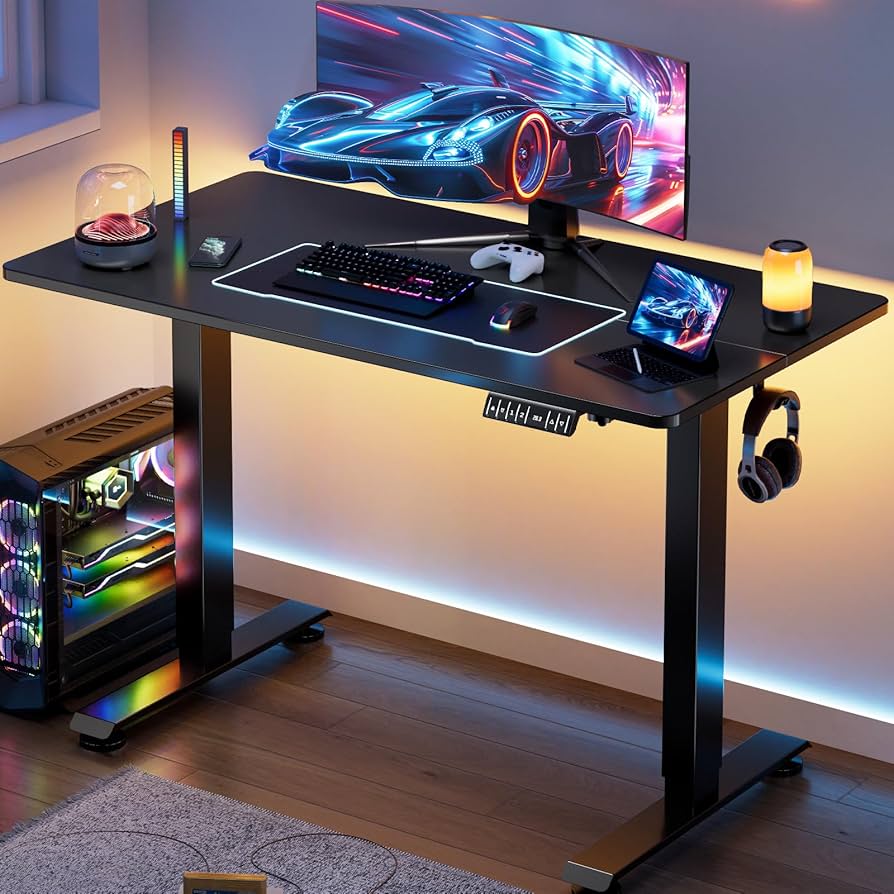
Image of a Gaming Computer
Person using a digital drawing tablet and desktop computer for graphic design and creative content creation.

2. Understanding Operating Systems

The operating system (OS) controls how the computer functions and what software it supports.

Windows
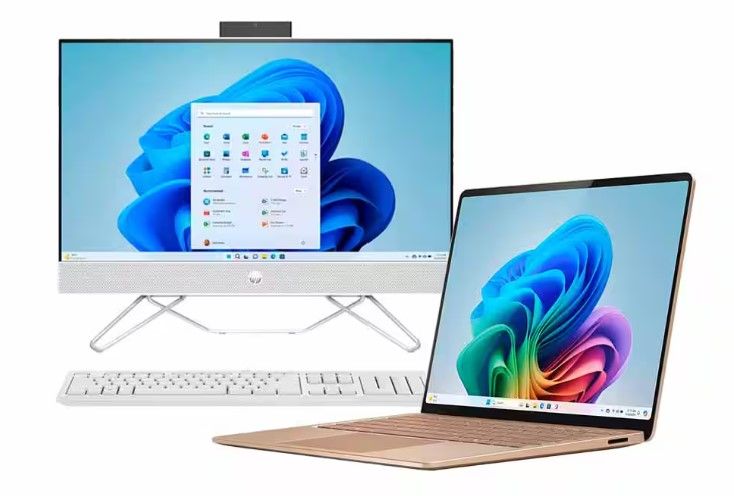
Windows desktop computer and laptop displayed together, showing modern computer options for home, school, or office use.
Windows is the most common operating system and works well for:
  • School
  • Business
  • Gaming
  • General Use
Benefits
  • Wide Software Compatibility
  • Many Price Options
  • Strong Gaming Support
  • Large Variety of Devices

macOS

macOS is used on Apple computers like MacBooks and iMacs. Best For:
  • Apple Users
  • Users Who Prefer a Simple Interface
  • Creative Professionals
Benefits
  • Wide Software Compatibility
  • Many Price Options
  • Strong Gaming Support
  • Large Variety of Devices
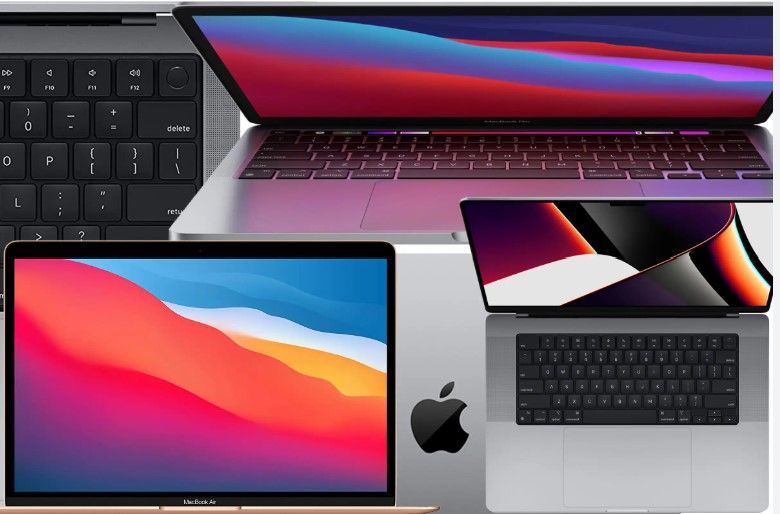
Collage of Apple MacBook laptops highlighting different MacBook models, displays, keyboards, and design features.

ChromeOS

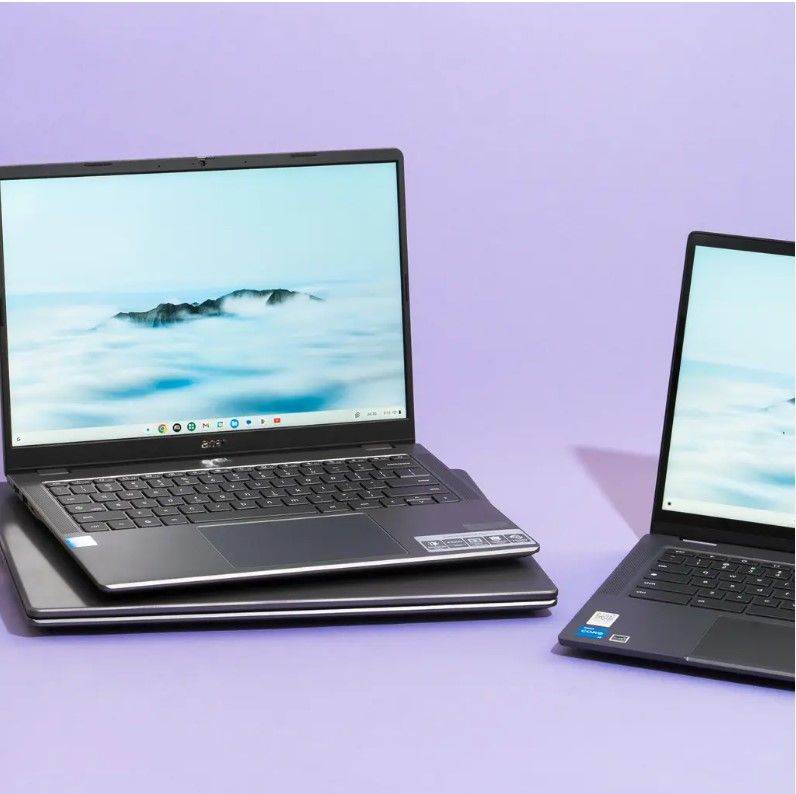
Two modern laptops displayed on a table, showcasing portable computer options for everyday use, school, or work.
ChromeOS is commonly used on Chromebooks. Best For:
  • Students
  • Light Internet Use
  • Budget-Friendly Computing
Benefits
  • Affordable
  • Great Battery Lives
  • Simple to Use

3. Decide on Portability

Think about where and how often you will use your computer

Desktop Computer

Best For:
  • Home Offices
  • Gaming Setups
  • High-performance Tasks
  • Users who rarely travel with their computer
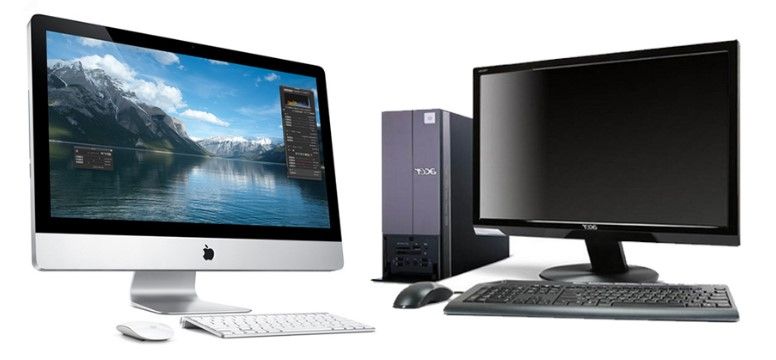
Illustrated desktop computer setup with a monitor, keyboard, mouse, storage tower, tablet, and decorative plants on a desk.Two desktop computer setups displayed side by side, including an Apple iMac and a traditional Windows desktop with monitor, keyboard, and mouse.
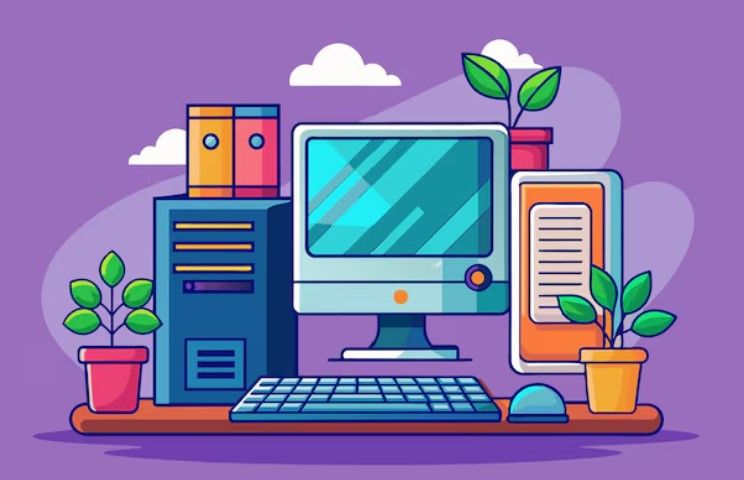
Illustrated desktop computer setup with a monitor, keyboard, mouse, storage tower, tablet, and decorative plants on a desk.
Advantages:
  • Better performance for the price
  • Easier to upgrade
  • Larger screens and better cooling

Laptops

Best For:
  • Students
  • Remote workers
  • Travelers
  • Everyday convenience
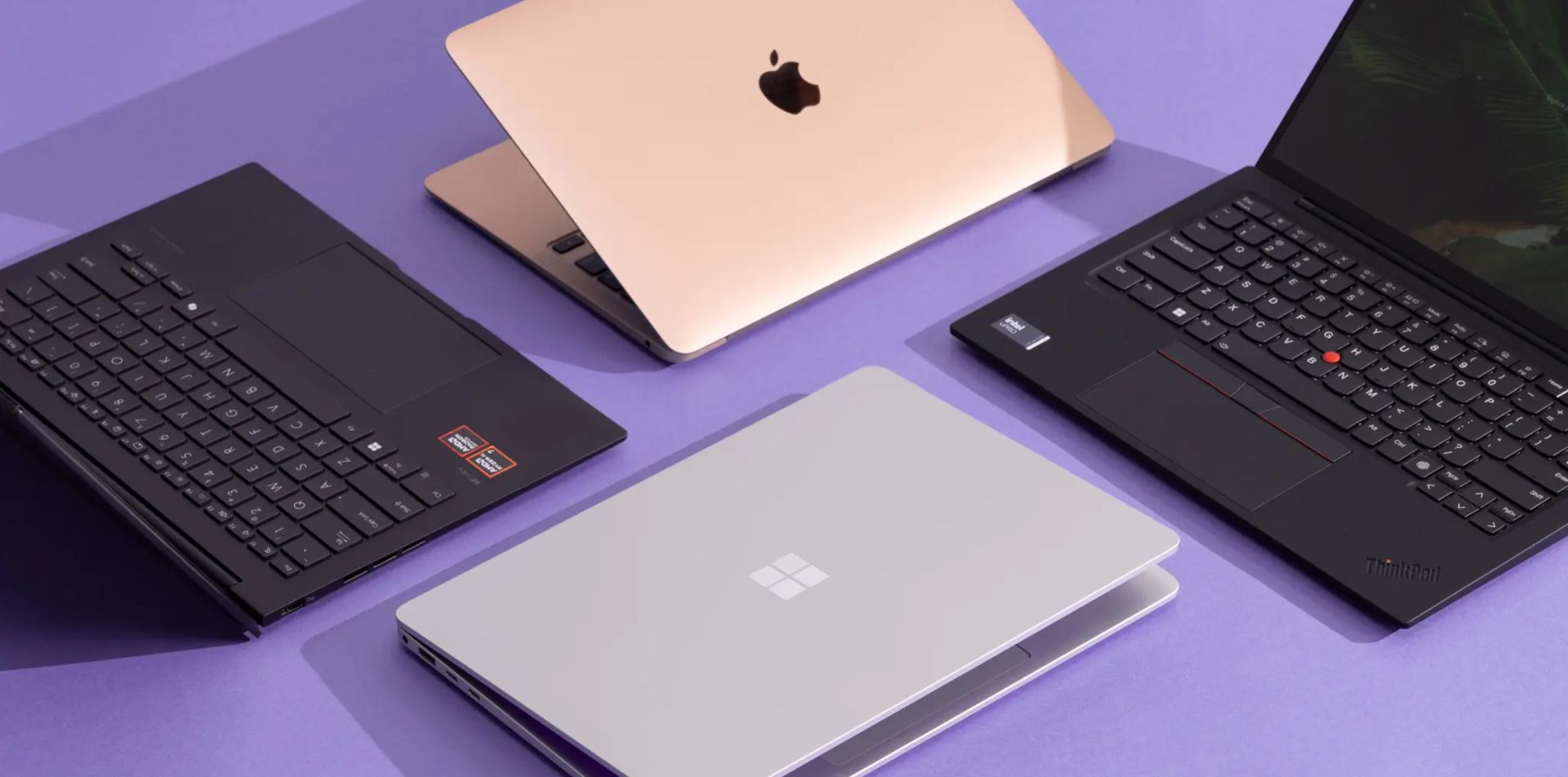
Multiple laptops from different brands displayed on a table, including Apple, Microsoft, and Lenovo devices for comparing computer options.
Person using a laptop at a clean desk setup with a notebook, smartphone, pen, and orange placed nearby.
Advantages:
  • Portable
  • Built-in battery
  • Compact and easy to carry

4. Establish a Budget

Setting a budget helps narrow your choices and prevents overspending.

Entry-Level Budget ($200–$500)

Entry-level computers are great for basic tasks like browsing the internet, schoolwork, streaming, and checking email.

Mid-Range Budget ($700–$1,200)

Mid-range computers are ideal for multitasking, office work, casual gaming, and moderate editing.

High-End Budget ($1,300+)

High-end computers are designed for advanced gaming, professional editing, programming, and other demanding task

Final Thoughts

A group of people sitting around a table using multiple laptops and digital devices during a collaborative work or study session.
Choosing the right computer starts with understanding your needs. Think about what tasks you perform daily, how portable you need the device to be, which operating system you prefer, and how much you want to spend.

The best computer is not always the most expensive one — it is the one that matches your personal goals, lifestyle, and everyday use. Taking time to research specifications, compare devices, and understand your priorities can help you make a smart and confident purchase decision.

Join Us Today!

We’re passionate about making digital skills accessible to everyone. By providing free, user-friendly courses, we hope to empower individuals and build stronger, more connected communities. Whether you’re a student, a professional, or simply someone looking to learn something new, our website has something for you.
Come visit us today and start your journey towards digital confidence. Together, we can delete the digital divide, one learner at a time. We can’t wait to help you get started!

➡️ Sign up for our future events here: https://www.eventbrite.com/o/learnbasictechorg-83606808403
🌐 Learn more about us: https://LearnBasicTech.org

📲 Follow us on social media for updates:
 Facebook: https://www.facebook.com/LearnBasicTech
 X: https://x.com/learnbasictech
 Instagram: https://www.instagram.com/learnbasictech/

Created By:

Jaelyn Garrard

Jaelyn is a technology professional with a Bachelor’s degree in Computer Science and a strong passion for software engineering and innovative technology solutions. With experience in coding, web development, UI-focused design, and technical problem-solving, Jaelyn has worked with programming languages and technologies such as HTML, CSS, JavaScript, and modern development tools to build functional and user-friendly digital experiences. Their goal is to continue growing as a software engineer while creating impactful technology that improves everyday experiences for users and communities.
Write your awesome label here.